Keeping charity CRM data secure: what recent events remind us
Recent cybersecurity incidents affecting technology providers used by UK charities have understandably prompted renewed discussion about how charities protect the information they hold.
They are also a useful reminder that security is never something a technology supplier can simply declare “finished”. Systems, threats and working practices change, and security arrangements need to evolve with them.
At Goodlabs, recent events have prompted us to look again both at the way Cimplify is structured and at some of the permissions we routinely provide to users.
Security starts with the way the system is built
Cimplify is built entirely on the Salesforce platform.
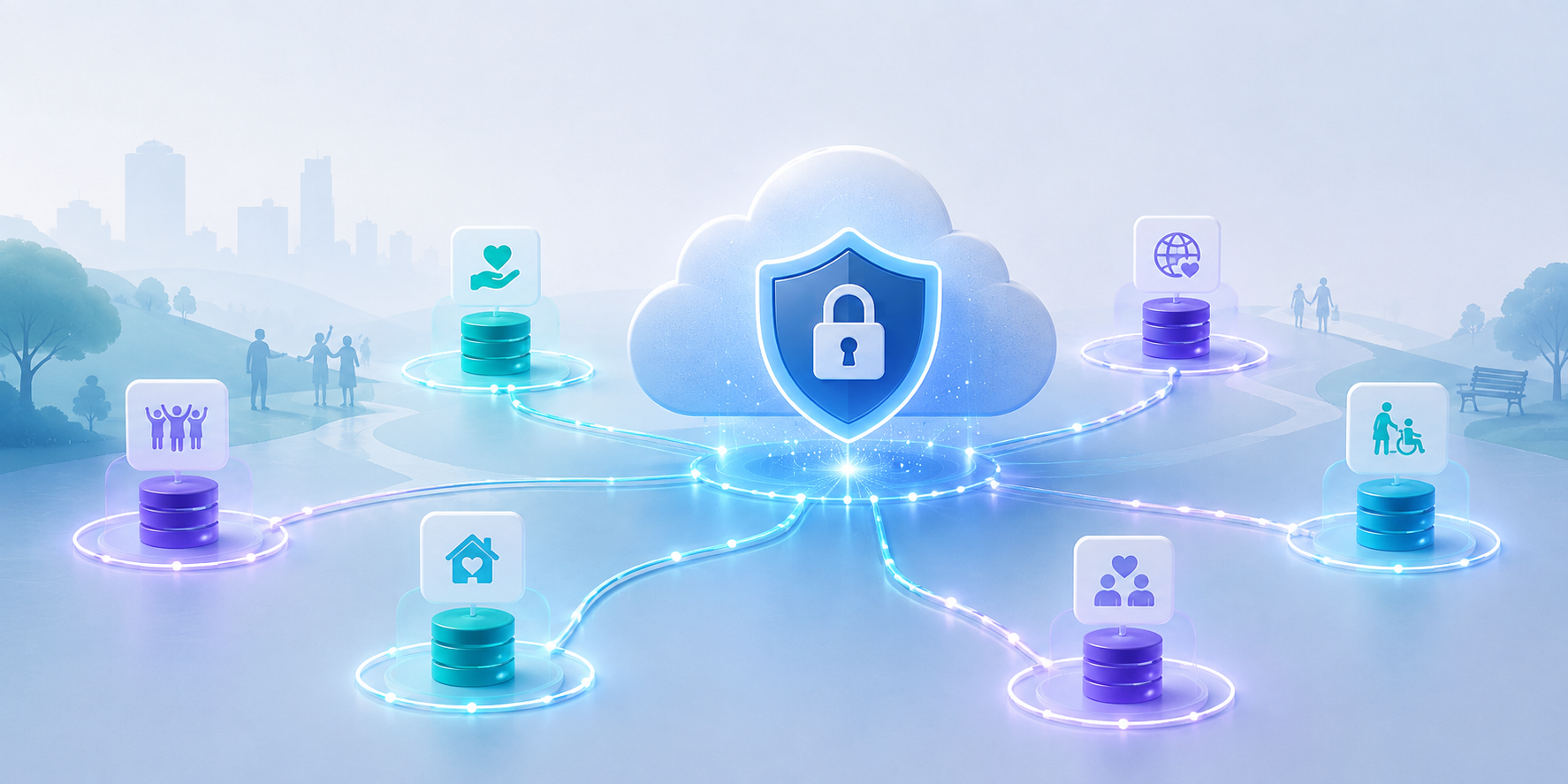
Each Cimplify customer operates in its own separate Salesforce environment, with its own users, permissions and access controls. Goodlabs does not operate a central database containing information from all of its customers, and there is no single Goodlabs login or access key that provides access to every Cimplify system.
That separation matters.
A key principle of good security is limiting the potential impact of any individual account or system being compromised. Access to one customer's Salesforce environment does not automatically provide access to another customer's environment.
Goodlabs also does not routinely download or store copies of customer CRM databases on its own servers or devices. Cimplify data remains within the Salesforce platform.
Where Goodlabs needs administrative access for support or maintenance, access is established individually for the relevant customer environment and is protected using strong, phishing-resistant authentication, including biometric passkeys.
Salesforce provides the underlying infrastructure
Building Cimplify on Salesforce also means that Goodlabs does not need to build and maintain its own database hosting, backup infrastructure or cloud security environment.
Salesforce provides the underlying infrastructure on which Cimplify operates, including the controls used to protect customer environments, manage availability and secure data.
Goodlabs' role is different. We are responsible for the way Cimplify is designed and configured, the permissions we provide, and the way we access customer systems when support is required.
Customers have an important role too, particularly in deciding who should have access to their CRM and ensuring accounts and permissions remain appropriate when people's roles change.
Security is therefore a shared responsibility between the technology platform, Goodlabs and the organisations using Cimplify.
Strong authentication for the most powerful accounts
Earlier this year, Goodlabs introduced stronger authentication requirements for administrator accounts across Cimplify customers.
For some users this meant changing an existing multi-factor authentication method, and we appreciate that this caused a little inconvenience. We are grateful to customers for working with us to make that change.
Administrator accounts warrant additional protection because of the amount of information and functionality available to them. Protecting these privileged accounts with phishing-resistant authentication significantly reduces one important route through which an attacker might otherwise gain access to a system.
But authentication is only one part of the picture.
What happens after somebody logs in?
Security discussions often focus on keeping unauthorised people out. Just as important is considering what an authorised account is capable of doing once somebody is logged in.
That matters for several reasons. An account might be compromised by an attacker, a user might make a genuine mistake, or access could potentially be deliberately misused.
The principle of least privilege says that users should have the access and capabilities they need to do their jobs, but no more.
This is an area Goodlabs continues to review across Cimplify.
Limiting unnecessary data exports
One important area is report exporting.
Salesforce reports are extremely useful for helping users understand and analyse information held in Cimplify. Being able to view a report, however, does not necessarily mean that a user also needs the ability to download potentially large quantities of the underlying data into a spreadsheet.
For organisations holding sensitive information about beneficiaries, supporters, volunteers or staff, reducing unnecessary routes through which data can leave the CRM is a sensible precaution.
Goodlabs' approach is therefore to increasingly treat capabilities such as bulk data export as elevated permissions: useful and sometimes essential, but best provided to users who genuinely need them rather than simply being available by default.
Balancing security and usability
Security controls need to be proportionate.
Making a system so restrictive that people cannot do their jobs properly simply creates other problems, including the temptation to find insecure workarounds.
The objective is not to remove useful functionality. It is to move towards a model where potentially powerful permissions are provided because somebody needs them, rather than simply being available by default.
Security is an ongoing process
No CRM platform or technology provider can promise that a security incident will never occur.
A more meaningful approach is to continually ask how risks can be reduced, how access can be limited, and how the impact of an individual account or component being compromised can be contained.
For Cimplify, that includes separate Salesforce environments for each customer, strong authentication for privileged accounts, avoiding unnecessary copies of customer databases, and increasingly applying least-privilege principles to user permissions.
Recent events across the charity technology sector are a timely reminder to keep asking those questions.
Goodlabs will continue to review Cimplify's security arrangements as technology and risks evolve, while aiming to provide additional protection without compromising the practical day-to-day use of the system.